YouTube Kids vs YouTube: which is safer for your child?
YouTube Kids is a filtered app for ages 4-12; regular YouTube is an open platform. This guide compares both and shows parents the setup steps for safer viewing.
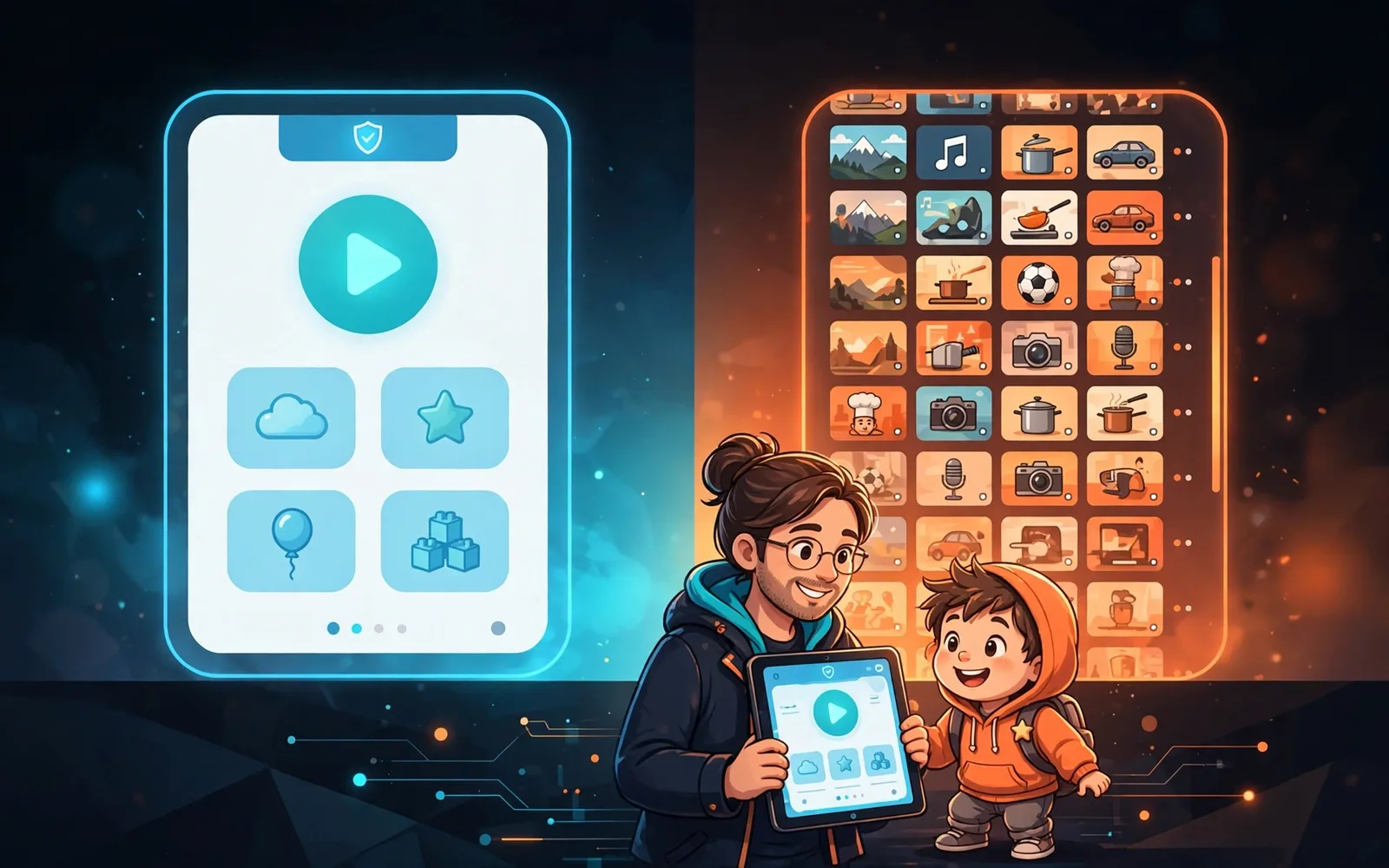
For children under about 9, YouTube Kids with a tight age band or approved-content mode is the safest option; for ages 9-12, a supervised YouTube account with a parent-set content tier is the sensible middle step, while regular YouTube is an open adult platform that needs real guardrails before any child uses it.
If your child wants to watch YouTube, you have three choices: the YouTube Kids app, a supervised YouTube account, or regular YouTube. They look similar on the surface, but they are very different products underneath. One is a small, filtered library built for children. One is the full YouTube with guardrails. The third is an open platform designed for adults, and children find their way onto it in huge numbers. This guide explains exactly what each one does, what each one lets through, and the setup steps that actually work.
What YouTube Kids actually is
YouTube Kids is a separate, standalone app with a smaller library of videos chosen from the wider YouTube universe using automated filtering plus human review and curated playlists. Parents pick one of three content settings when they set it up: Preschool (ages four and under), Younger (ages 5 to 8), or Older (ages 9 to 12). You can also switch to "approved content only" mode, where your child sees nothing except the videos and channels you hand-pick yourself.
The app has no comments, no live chat, and no way for children to upload videos. Search can be turned off completely, and the app has a built-in screen-time timer that locks the screen when time is up. Ads do appear, but they are family-friendly paid ads rather than the personalized, interest-based advertising on regular YouTube. No Google Account is needed to run it.
It is not perfect. Common Sense Media rates the app for ages 7 and up, not younger, partly because parent reviewers report that inappropriate videos sometimes slip through the filters and that advertising pushes consumerism. Its own study of young children's YouTube viewing found that 45% of videos viewed by children under 8 featured or promoted products, and 30% contained at least mild physical violence. So YouTube Kids is the safest option on this list, but "safest" does not mean "safe without any involvement from you."
What supervised YouTube is
When children outgrow YouTube Kids (usually around 9 or 10), Google offers supervised accounts on regular YouTube, managed through Google Family Link or the YouTube Family Centre. Your child gets the normal YouTube app and website, but with a content setting you choose: roughly 9+, roughly 13+, or roughly 16+. Age-restricted content stays blocked for anyone under 18.
Supervised accounts remove several risky features: your child cannot post public comments, cannot use live chat, and does not see personalized ads. Parents can block channels, view watch history, and set screen-time limits including a Shorts feed limit. This is the middle path: much bigger library than YouTube Kids, much more control than regular YouTube.
What regular YouTube exposes kids to
Regular YouTube has no meaningful age gate beyond a birth date kids can invent. And they do invent them: Ofcom found that 84% of children aged 8 to 12 use services that require users to be at least 13, and 22% of 8 to 17 year olds admit lying about their age online. YouTube is the dominant video platform for kids: it reaches 96% of UK 8-14 year olds in a typical month, and YouTube is used by 67% of all children.
On regular YouTube your child gets the full algorithm: autoplay, Shorts, personalized ads, open comments, and live streams. Comments are where strangers can contact children directly, and the comment sections on popular videos are regularly full of spam, scams, and inappropriate language. This is why unsupervised access is the option experts worry about most.
YouTube Kids vs supervised YouTube vs regular YouTube
| Feature | YouTube Kids | Supervised YouTube | Regular YouTube |
|---|---|---|---|
| Age range | 4 to 12 (three age bands) | Under 13+ (parent-set tier: 9+, 13+, 16+) | 13+ by the rules, in practice all ages |
| Content filtering | Small curated library; approved-only mode available | Full YouTube filtered by chosen tier | None beyond age-restricted blocking |
| Ads | Family-friendly ads only, no personalized ads | No personalized ads | Personalized and interest-based ads |
| Comments | Disabled entirely | Cannot post comments or use live chat | Open comments and live chat |
| Screen-time controls | Built-in timer in the app | Via Family Link / Family Centre, incl. Shorts limits | Reminders only, no enforcement |
| Search | Can be switched off | Filtered search, cannot be fully disabled | Full search |
Setup steps that actually work
- Under 8? Install YouTube Kids, pick the age band that matches your child, and consider approved-content-only mode for the under-5s.
- Age 9 to 12? Set up a supervised account via Google Family Link and choose the content tier with your child, not for them. Review it every few months as they grow.
- Turn off search inside YouTube Kids if your child mostly watches the same shows anyway.
- Block channels you do not like on supervised accounts, and check watch history weekly. Ten minutes a week is enough.
- Set real screen-time limits. The American Academy of Pediatrics advises about one hour a day of high-quality programming for ages 2 to 5, and for school-age children, consistent limits that protect sleep, activity, and schoolwork.
- Delete the regular YouTube app from your child's device and sign them out of YouTube in the browser, so the controlled version is the path of least resistance.
- Talk about the weird stuff. No filter catches everything, so agree with your child that they will tell you (not hide it) when they see something uncomfortable.
The short answer
For children under about 9, YouTube Kids with approved content or a tight age band is clearly the safest choice. For 9 to 12 year olds ready for more, a supervised account with the right content tier and screen-time limits is the sensible middle step. Regular YouTube is not a children's product, and despite the 13+ rule, most children's viewing happens there. Whatever you choose, the setup takes about twenty minutes, and the weekly check takes ten. Your child's algorithm is whatever you allow it to be.